.MD vs .DOCX FINAL FIGHT
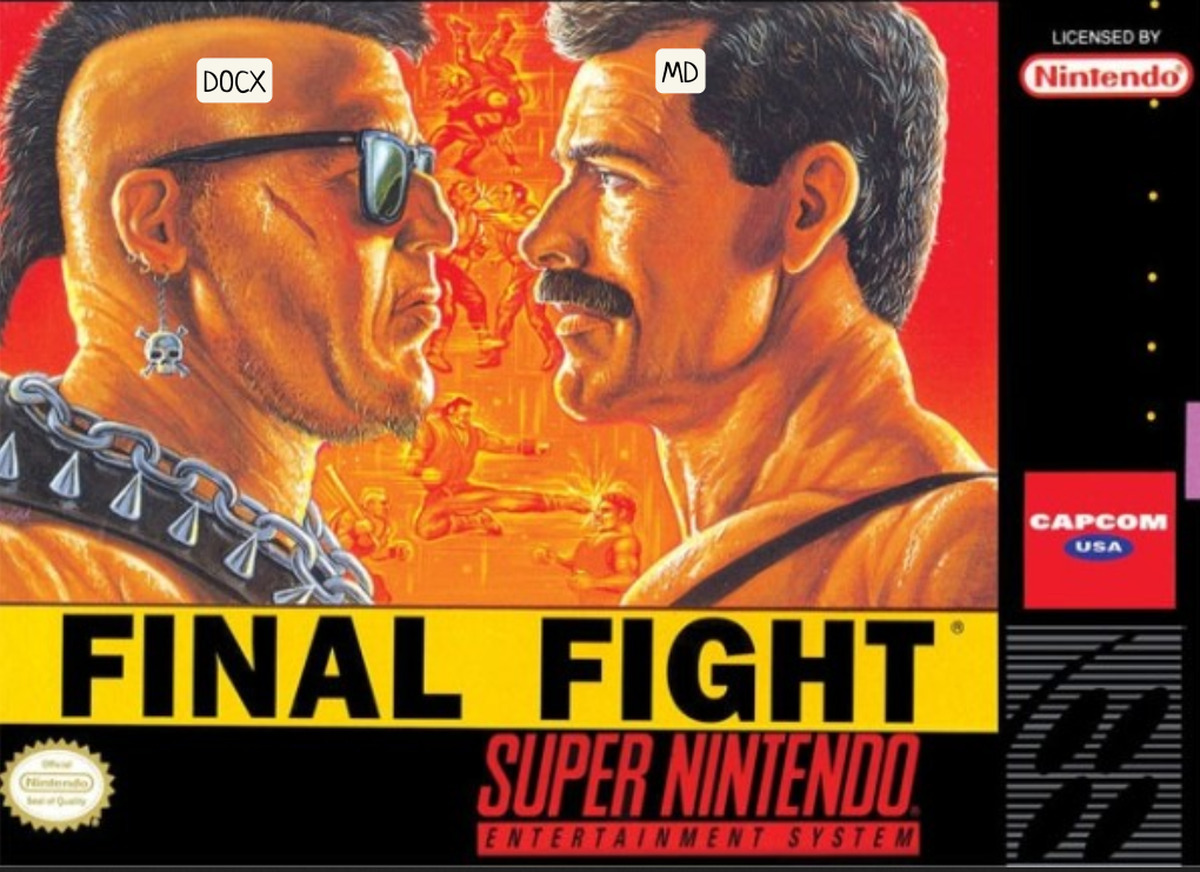
One of my favorite topics in agentic work is how to build the most efficient context layer possible for our collaboration with agents.
What I call the “context layer” is all the shared knowledge that agents will consume and produce. Back when it was just us humans, the context layer was pretty simple: a Drive or a SharePoint, and office files passed around by email: .docx, .xlsx, .pptx. For now I’m leaving out the other parts of the human context layer, like Jira, Confluence and Notion. They’ll get their own post.
I won’t dwell on what you can do with Word, everybody knows it (I said “knows”. Mastering it is another story).
On the other side, in the mid 2000s, the markdown format .md was born: a lightweight markup format that lets you write easily readable text and produce HTML without touching HTML tags. No special software needed to write markdown, any text editor will do: add a # for a level 1 heading, ## for a level 2 heading, **word** to put a word in bold, and so on.
Simple, right? With markdown, the formatting lives inside the text.
A Word file is a ZIP
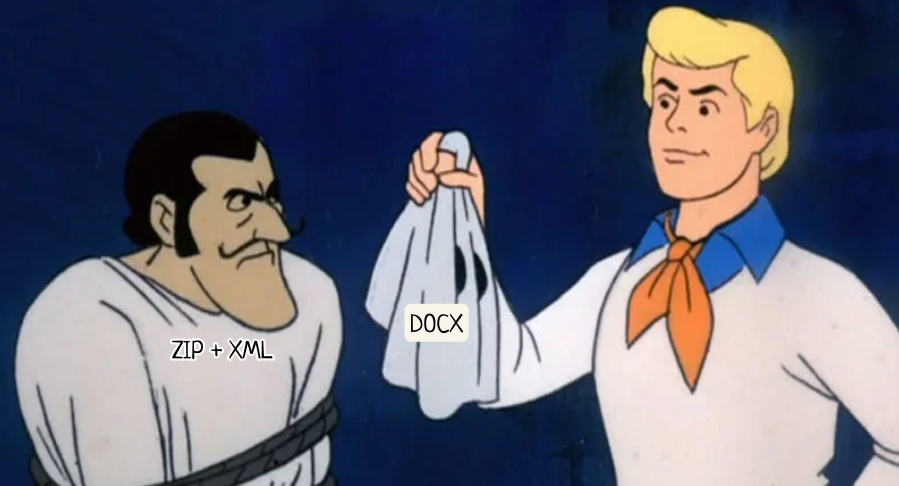
Rename a .docx to .zip and open it. You’ll find a word/ folder with document.xml, styles, settings, relationship files. That’s the Open XML format, standardized (ECMA-376, ISO/IEC 29500). A .pptx follows the same logic, with one XML part per slide.
Well, the differences with .md are already starting to show.
Reading a markdown text is no problem: open the file and it reads just fine. You’ll just get some # in front of headings and some * around bold or italic text. To see the formatted text you’ll need dedicated software or a web app that will render the formatting (fun fact: the article you’re reading right now is written in markdown). You can use StackEdit for example.
Open the .zip of a Word file, though, and things get complicated. You can’t read those .xml files in one go, you have to understand the structure and look past the angle brackets, and above all, you are not Neo. That’s exactly why you use Word to render the document and its layout.
Editing a Word file is very easy for you: select the word you want in bold with the mouse and click the icon or hit a keyboard shortcut. In markdown, you have to add ** at the start and at the end of the word.
I used the word render on purpose: we render formatted documents to make them easier for humans to read. We use Word to make a projection of a piece of content for a human. The gap between Word and markdown is that with markdown, the projection of the content is the content itself.
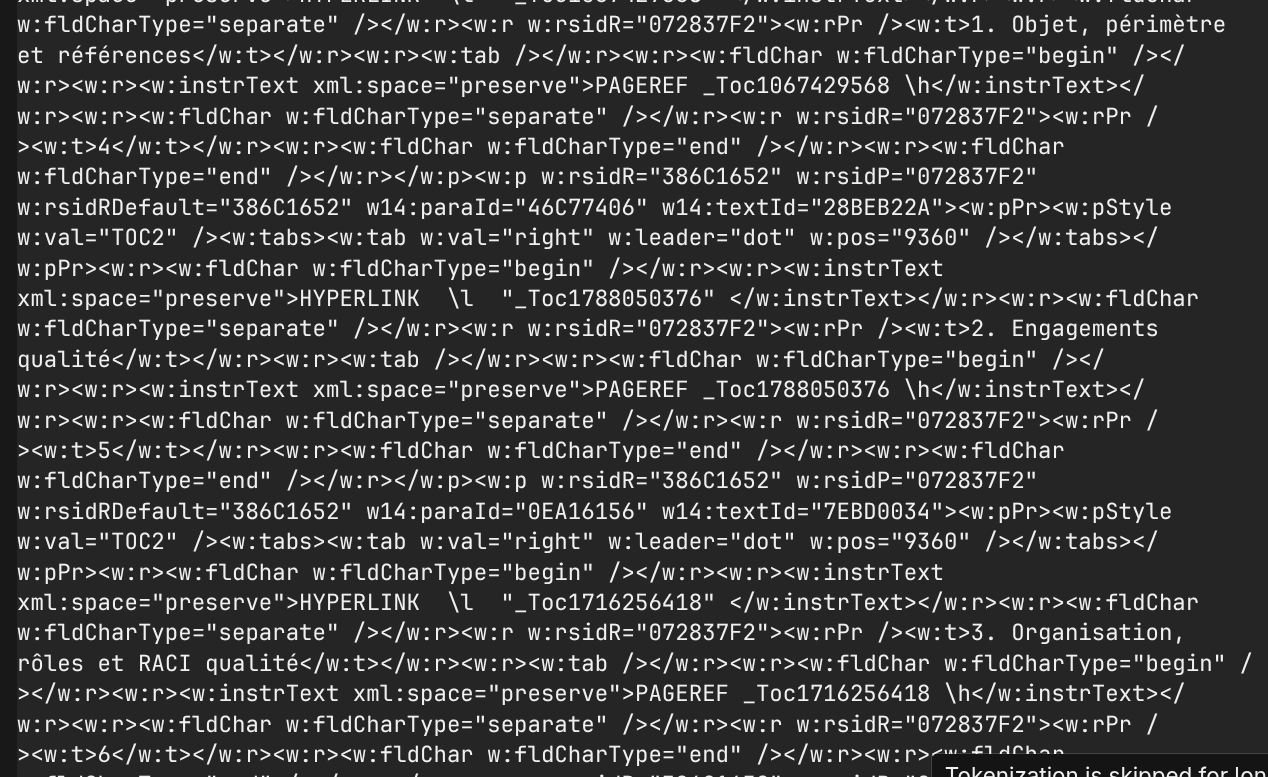
The same bold word, seen by an agent
Unlike you, an agent never opens Word (well, it could, but it would be devilishly inefficient). It works on the XML files inside the archive: either it edits them directly, or it goes through a library or a targeted script (pandoc to read, docx-js or python-docx to write). In the second case, the code handles the XML, and that XML doesn’t necessarily enter the model’s context or what it writes.
With markdown, an agent does what a human does: it edits the text file directly.
This is where it gets tricky. And where I ask the question: when I work with my agent, which format should I favor?
Take a very simple sentence: “The total budget is approved.”
In markdown, the agent reads and writes this:
The **total** budget is approved.
One line. What the agent reads is what you read: the projection of the content is the content.
In a well built Word file, with styles, the same sentence becomes:
<w:p><w:pPr><w:pStyle w:val="BodyText"/></w:pPr>
<w:r><w:t xml:space="preserve">The </w:t></w:r>
<w:r><w:rPr><w:b/></w:rPr><w:t>total</w:t></w:r>
<w:r><w:t xml:space="preserve"> budget is approved.</w:t></w:r>
</w:p>
Already much longer. And a single bold word has split the sentence into three pieces.
And that’s the ideal case. In real life, your documents have lived: someone changed the font by hand, pasted a paragraph from an email, fixed a typo three months later. Word keeps track of all that. Every piece of text starts carrying its font, size, color, language and revision IDs. The same five word sentence then swells far beyond the example above.
Worse, the text gets fragmented invisibly. The heading “3.2 Cost analysis” that you see in one piece can be stored in five pieces in the XML. For the agent, a simple search for the word “analysis” can fail. It has to rebuild the text before it can touch it.
Asking your agent to add a subsection
Let’s imagine a mundane task: in a thirty page document, insert a new subsection 3.2 between the current 3.1 and the current 3.2, which become 3.3 and 3.4 respectively.
In markdown, the agent looks for ## 3.2, inserts the new section, renumbers two headings, checks the “see section 3.2” style cross references. Few round trips, a light context. Done.
In Word, the journey is something else entirely. First finding: “page 30” doesn’t really exist in the file. Word computes pages at display time, and the XML is essentially a long sequence of paragraphs. So the agent has to unzip the archive, locate the right paragraph by its text, then figure out how the numbering works. If it’s automatic (a heading style tied to a list), it just inserts a heading with the same style and Word renumbers on its own. If it was typed by hand, the agent has to fix every number itself, piece by piece. Then it has to faithfully reproduce the formatting of the neighboring sections, remember the table of contents, which doesn’t update itself, zip everything back up, and finally convert the document to PDF and then to images to check visually that nothing is broken. Because nothing in the XML guarantees the rendering will be correct.
More round trips for the agent, and a context that swells with every turn. On a document that has lived a lot, with tables, images and Patrick from accounting who numbers by hand, the gap widens further. Prompt caching absorbs part of those re-reads, in cost as well as time. The steps themselves stay. How much exactly? It depends on the document, the agent and its tools. The appendix explains how to measure it on your side.
As for PowerPoint, it has a small advantage (each slide is a separate file, so easier to target) and a big drawback: everything is positioned in absolute coordinates. Add three lines to a text box and nothing flows: the text overflows, overlaps, shrinks. The agent can only find out by looking at the rendering: every edit becomes an “edit, look, fix” loop.
Working inside the projection
Back to my opening distinction. The problem is that we got used to working inside the projection itself. The .docx is at once our draft, our source of truth and our deliverable.
As long as it was just us humans, it didn’t matter much: Word hides all that complexity behind an interface. An agent has no interface. It sees the plumbing. Asking it to work in a .docx is a bit like asking someone to proofread a text by editing the pixels of a screenshot.
With markdown, the human and the agent read exactly the same file, and understand it the same way.
Markdown as the format of the context layer
This is my personal fight.
In practice, the content lives in .md. That’s where you and your agent write, edit, restructure. That format is your context layer: readable by everyone, light to consume, easy to version, easy to compare from one version to the next.
When you need to deliver a formatted document (for a client, management, a committee), you generate the .docx from the markdown, for example with pandoc and a Word template in your colors. Word goes back to what it always should have been: a projection, produced on demand, disposable and regenerable.
There will of course be cases where Word is unavoidable: a document that comes back with tracked changes, an imposed legal template, a client who swears by comments in the margin. In that case, a few rules limit the damage: start from clean templates, use styles instead of manual formatting, turn on automatic numbering, avoid uncleaned copy and paste. A well styled document is still heavier than markdown for an agent to edit. A “dirty” document is much heavier.
The difference is in your hands.
The limits of my fight
Markdown has real limits: complex tables, merged cells and fine layout come through badly. Above all, comments and tracked changes have no equivalent. And that’s precisely what your colleagues and clients use. The Word → Markdown → Word round trip is destructive: whatever comes back annotated in the margin doesn’t survive the conversion. Add to that the fact that asking a whole team to switch to plain text is a real change of habits (even if editors like StackEdit hide the hashes and asterisks). And there’s a middle ground: structured online editors that humans and agents edit together.
But let’s look at what tracked changes really do. They answer two questions: who changed what, and is it approved? On the Markdown side, the first one has an excellent answer: Git, its diffs, its history, its reviews. The second, much less so. And it becomes a burning issue as soon as agents are the ones writing: when a human writes a page, we know who to hold accountable. When an agent generates ten thousand of them overnight, that guarantee disappears.
That’s exactly the problem Google Cloud tackled with the Open Knowledge Format (OKF). Released as version 0.1 on June 12, 2026, it describes knowledge as a folder of Markdown files with a YAML header. Markdown, then. Google recommends managing it as a Git repository, to apply code practices to knowledge: reviews, diffs, history. And version 0.2 adds precisely the validity layer that was missing: fields that say where a piece of content comes from, who produced it and when, who verified it and whether that was a human or a machine, and from when it should be considered stale. An agent can then tell apart content that is unverified, confirmed by a machine, or reviewed by a human. Google Publishes Open Knowledge Format for Knowledge Bundles
In other words, the Markdown world is rebuilding what tracked changes did in Word, at the level that matters for an agent: can I trust this information? It’s all still young: an open license, with no open governance or standards body behind it yet. The direction is pretty clear though.
That will be the topic of a future post, along with Notion, Confluence and other structured editors: how to version and validate a context layer that agents write as much as they read.
APPENDIX: Measure before you believe anyone
The protocol fits in five lines.
- Take a real document, in two versions with identical content: a
.mdand the.docxas your client uses it. - Write a single instruction (“insert a section 3.2 on X, update the numbering and the table of contents”).
- Run each version in a fresh Claude Code session, same model, same effort, same skill installed.
- Read
/costat the end of the session: input tokens, output tokens, cache reads and writes, cost. Count the turns too. - Repeat at least three times. An agent never takes the same path twice.
You’ll have your number, on your documents.